

Audiosysteme
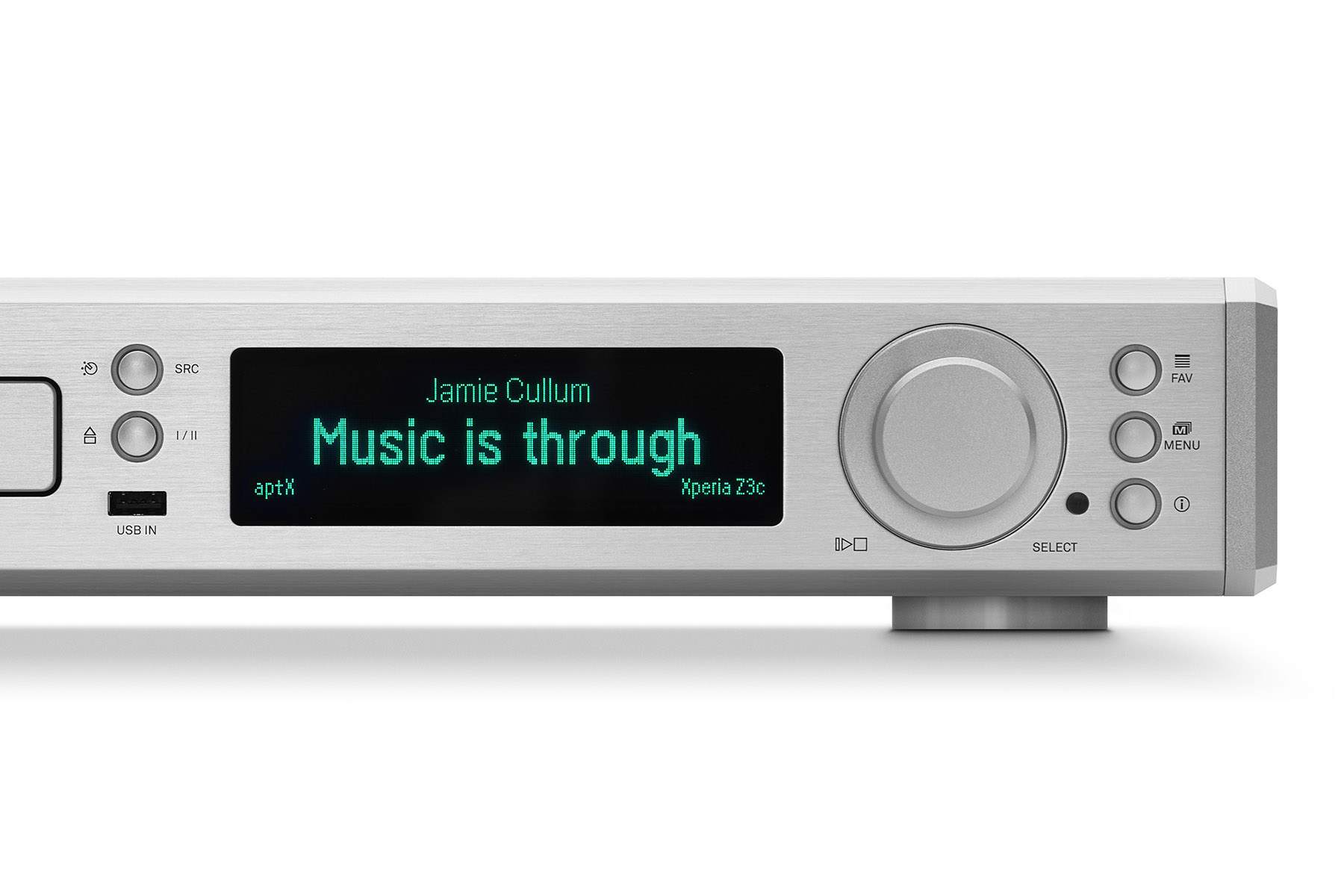
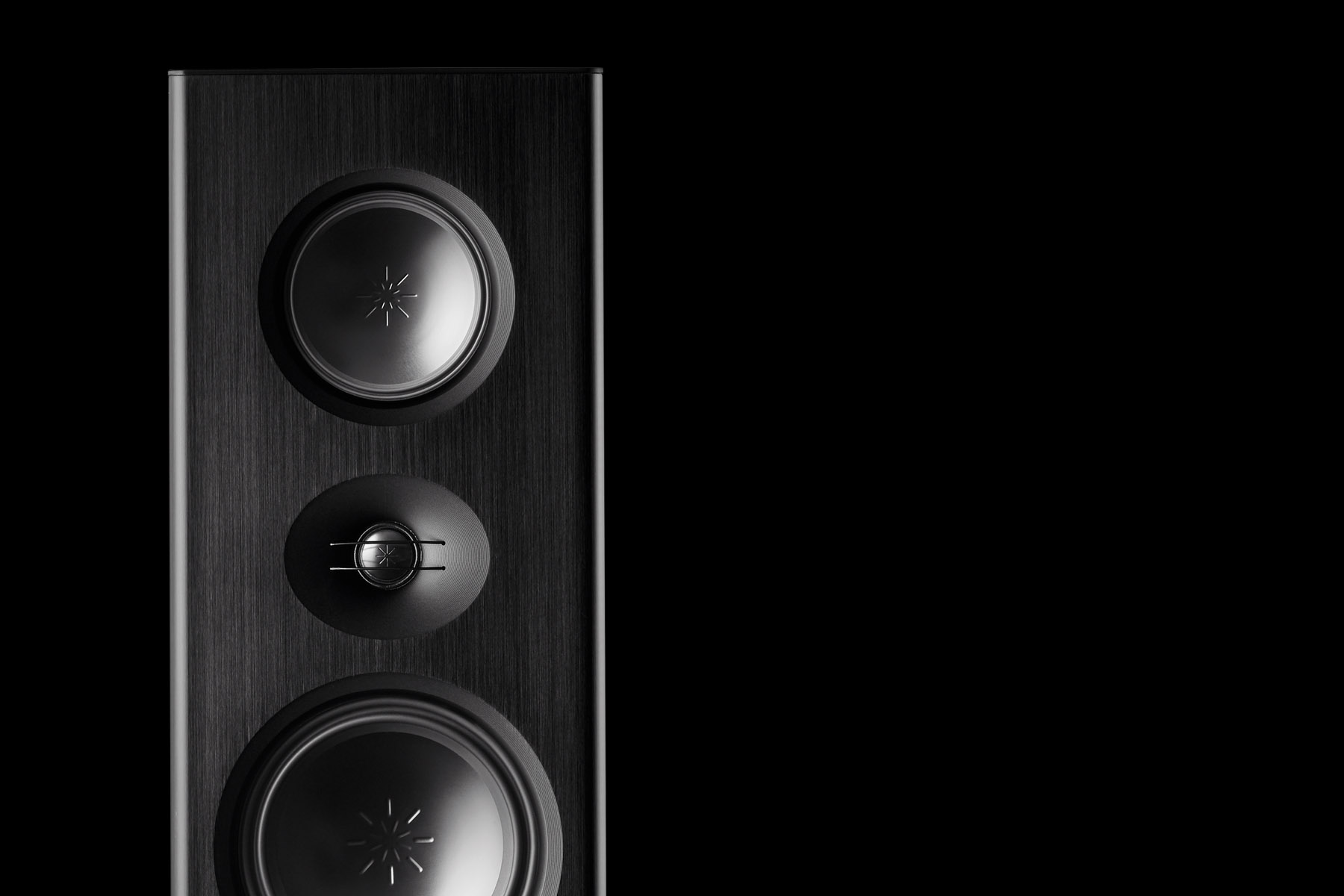
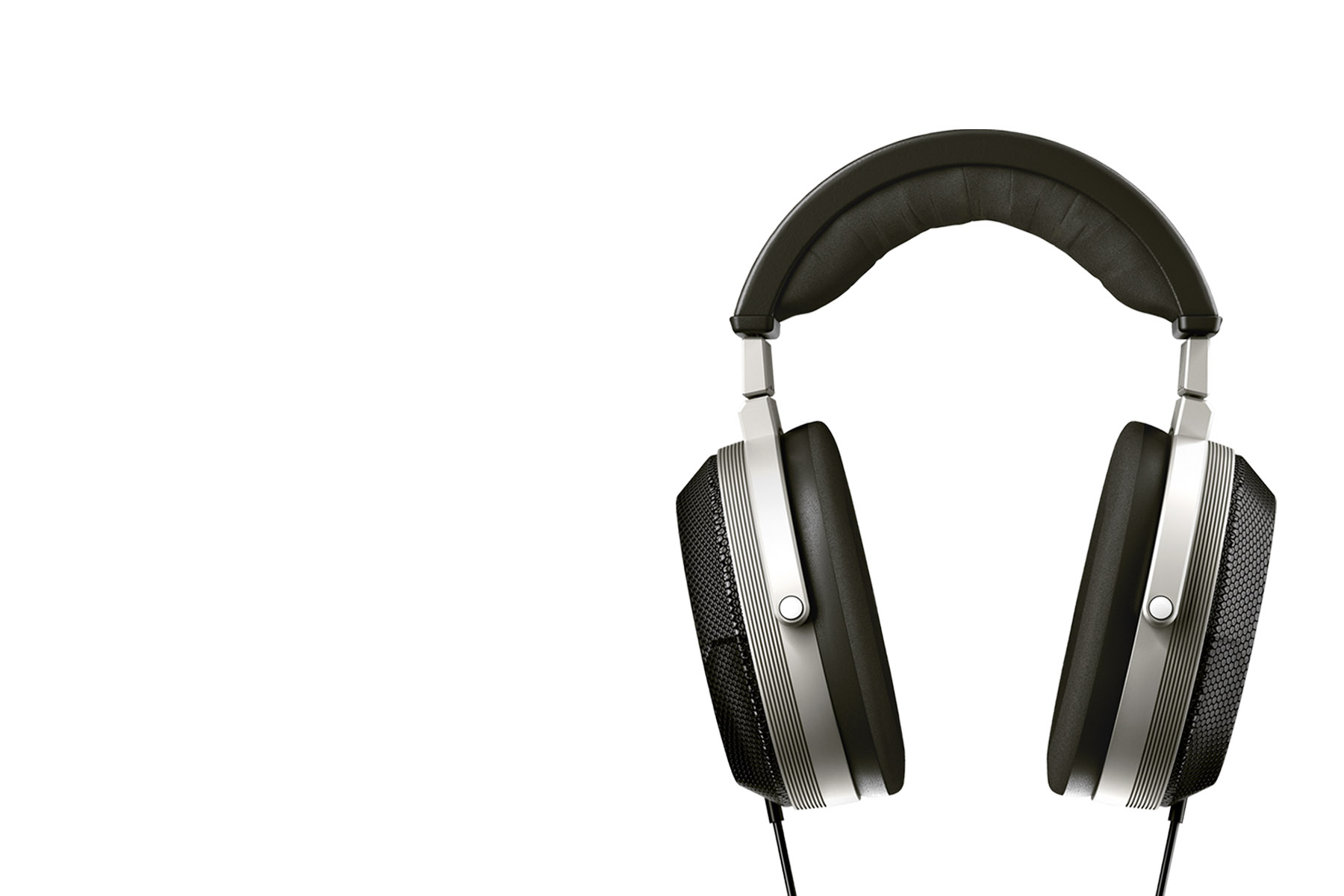
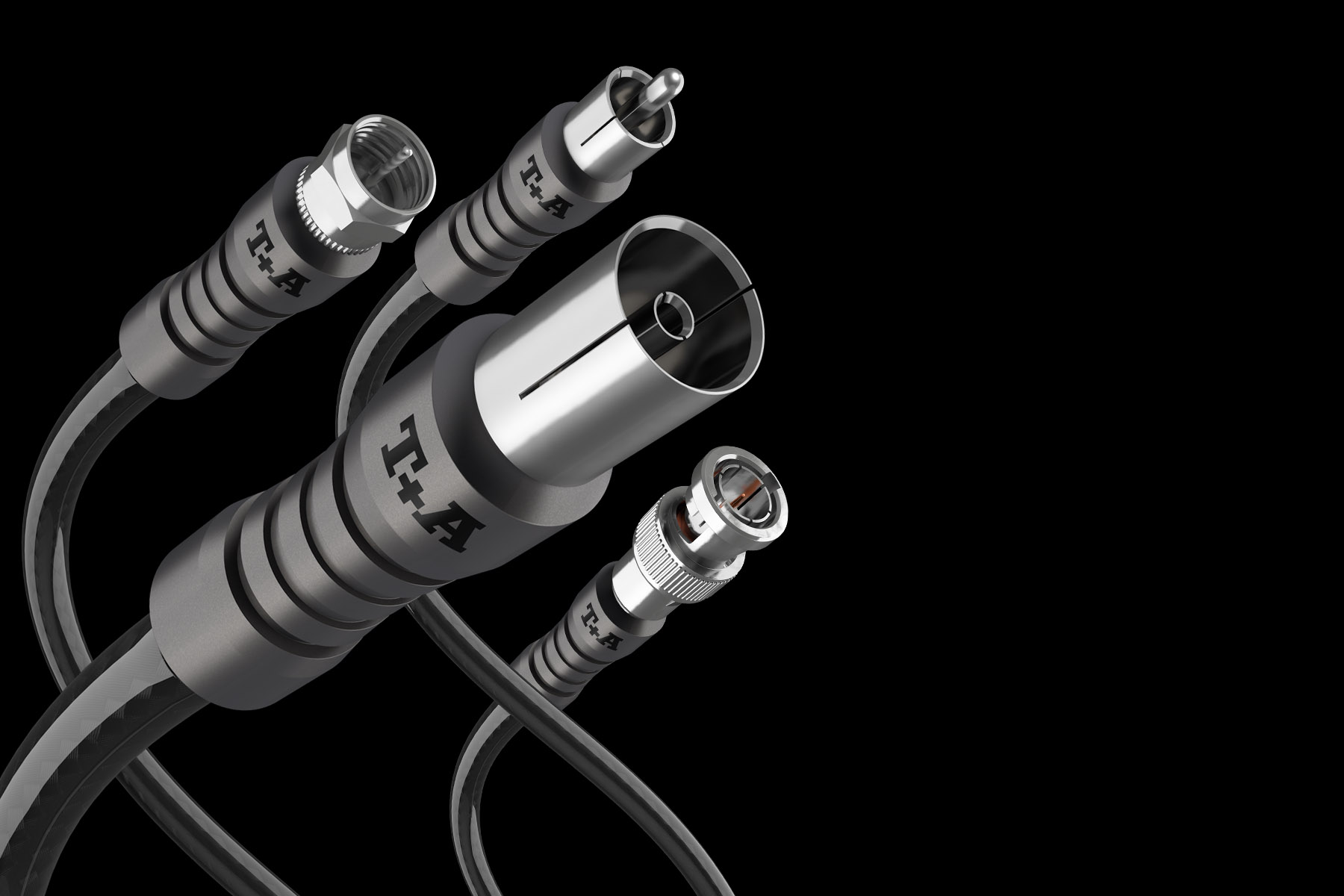
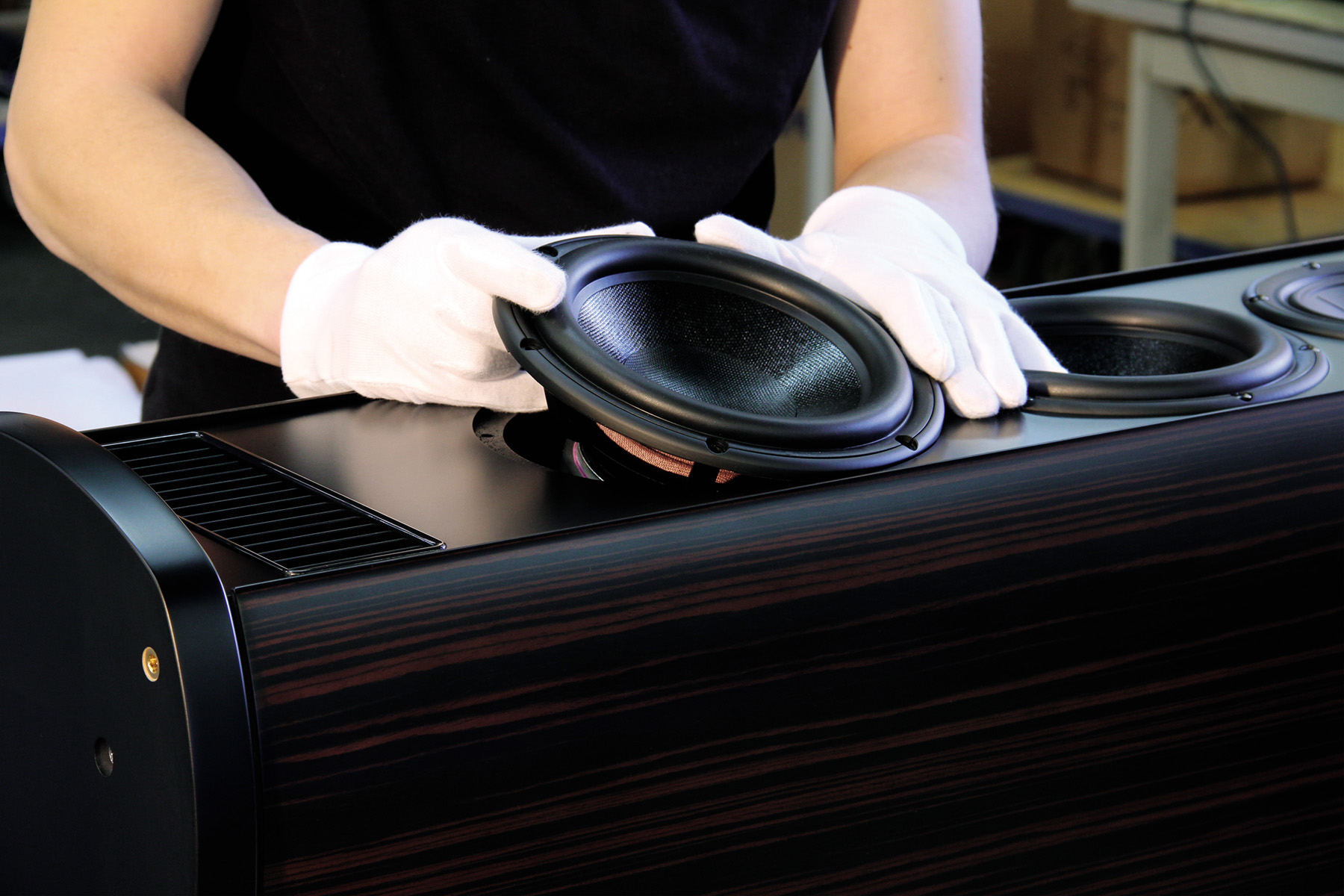
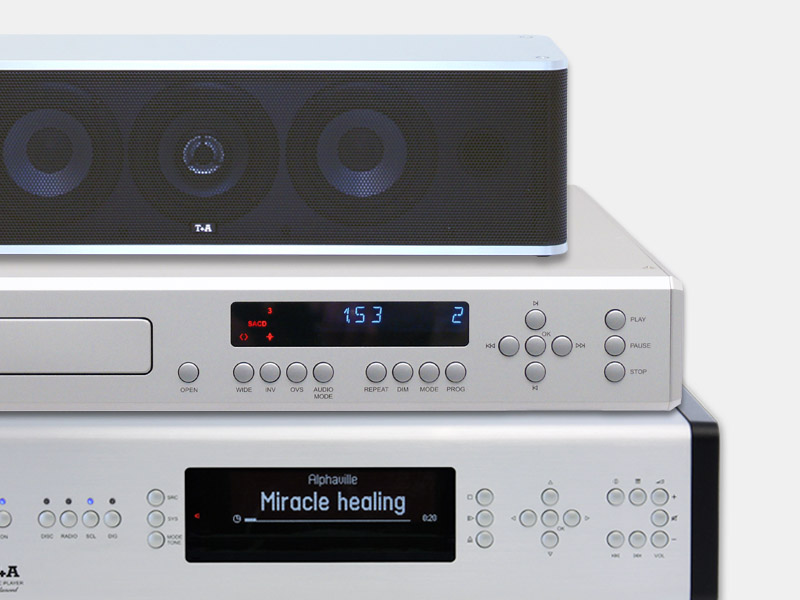
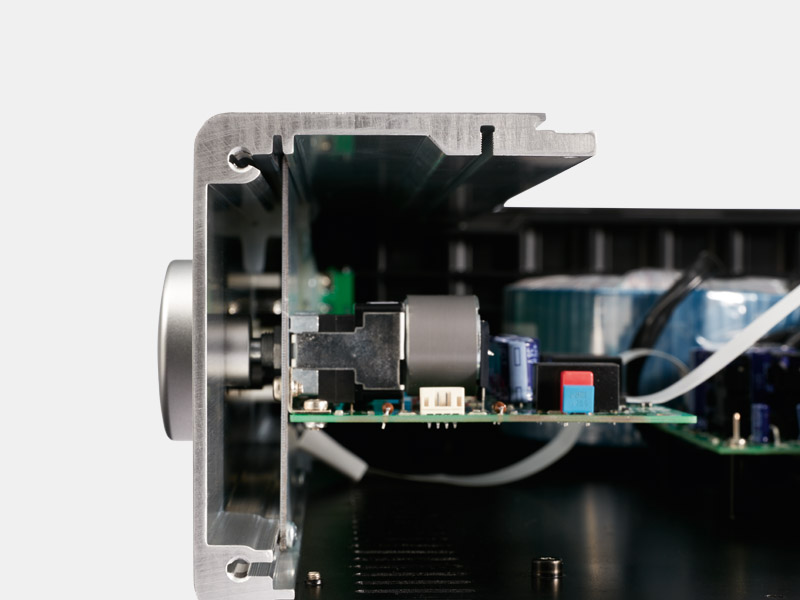
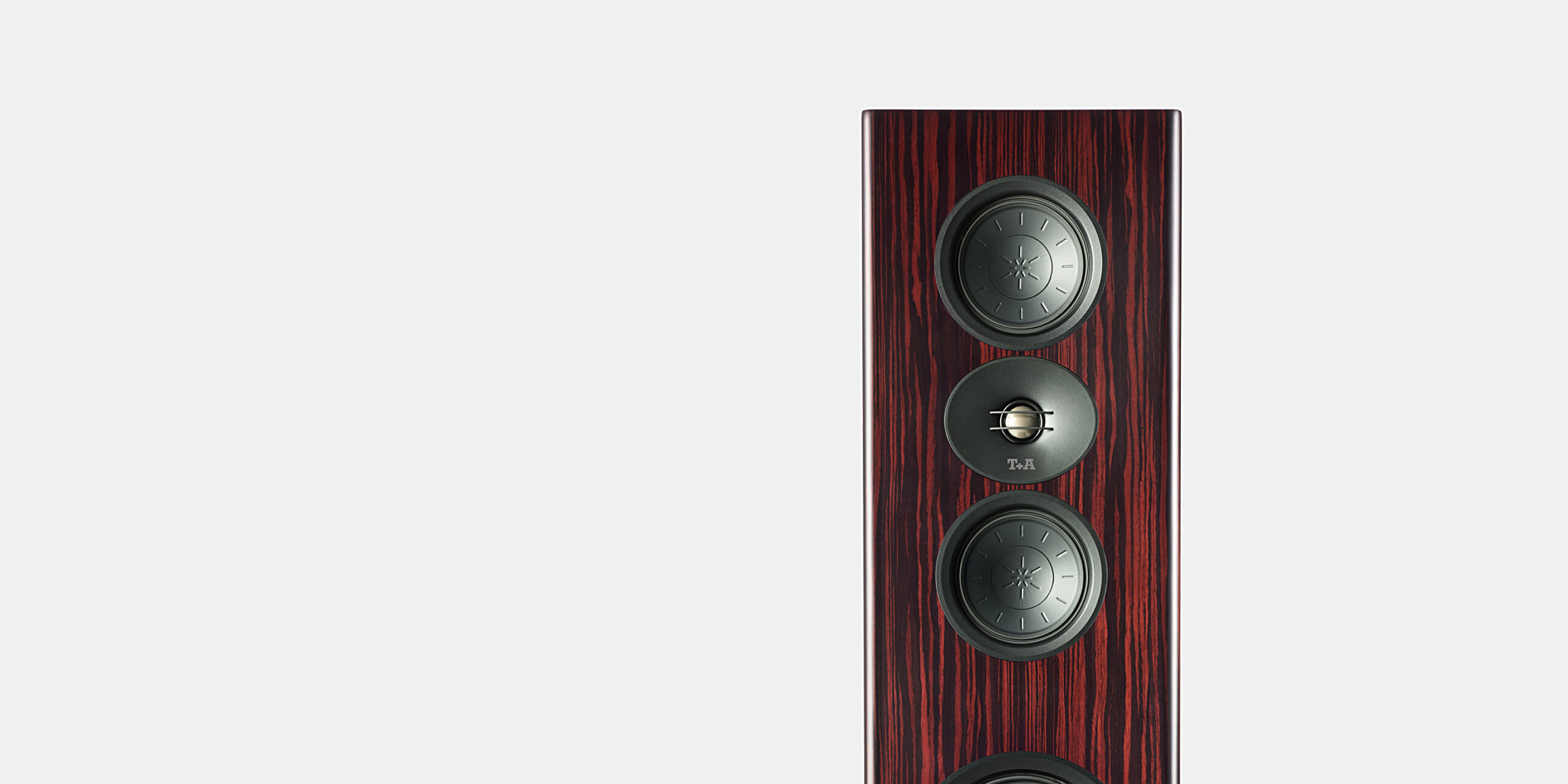
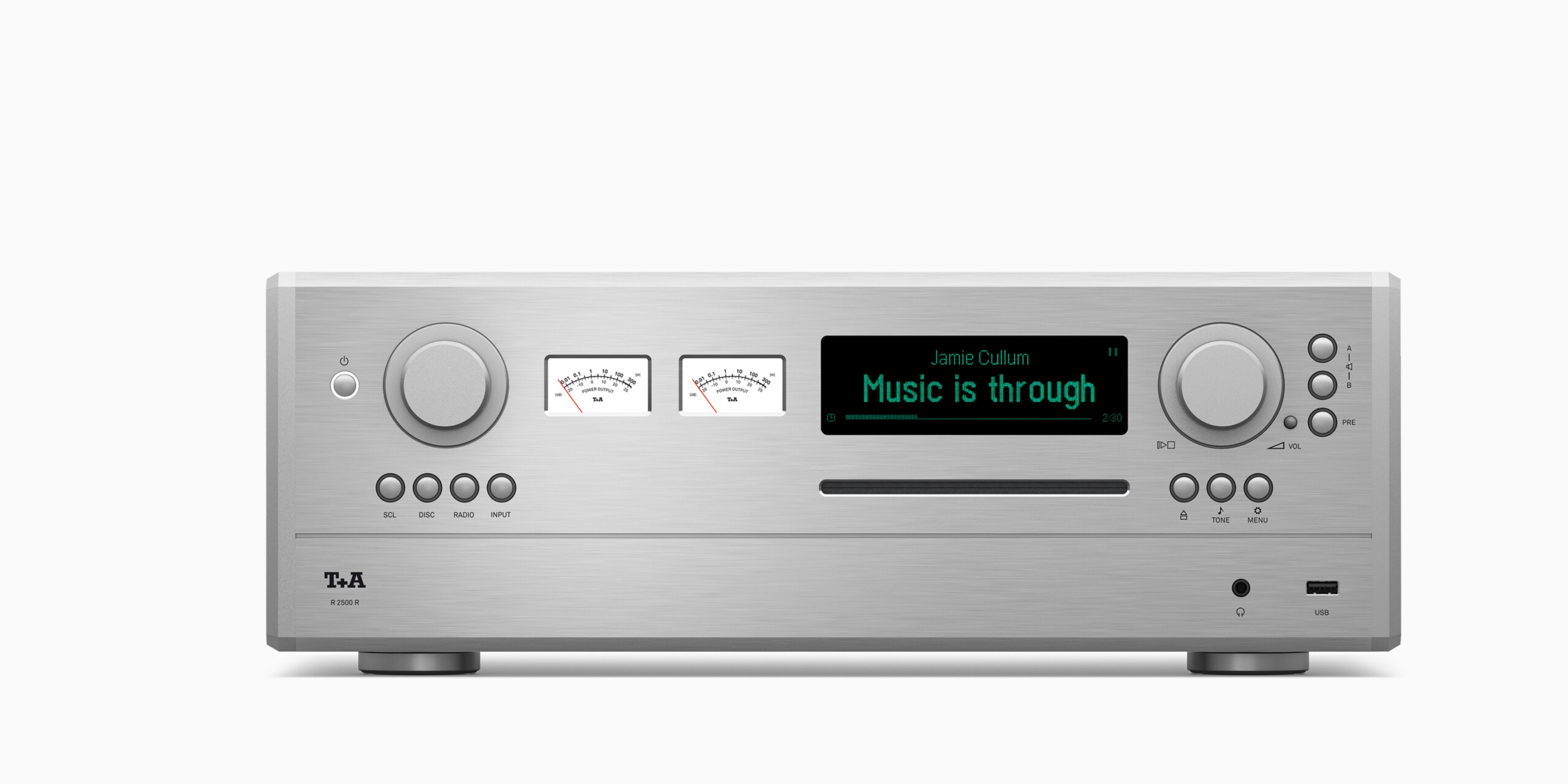
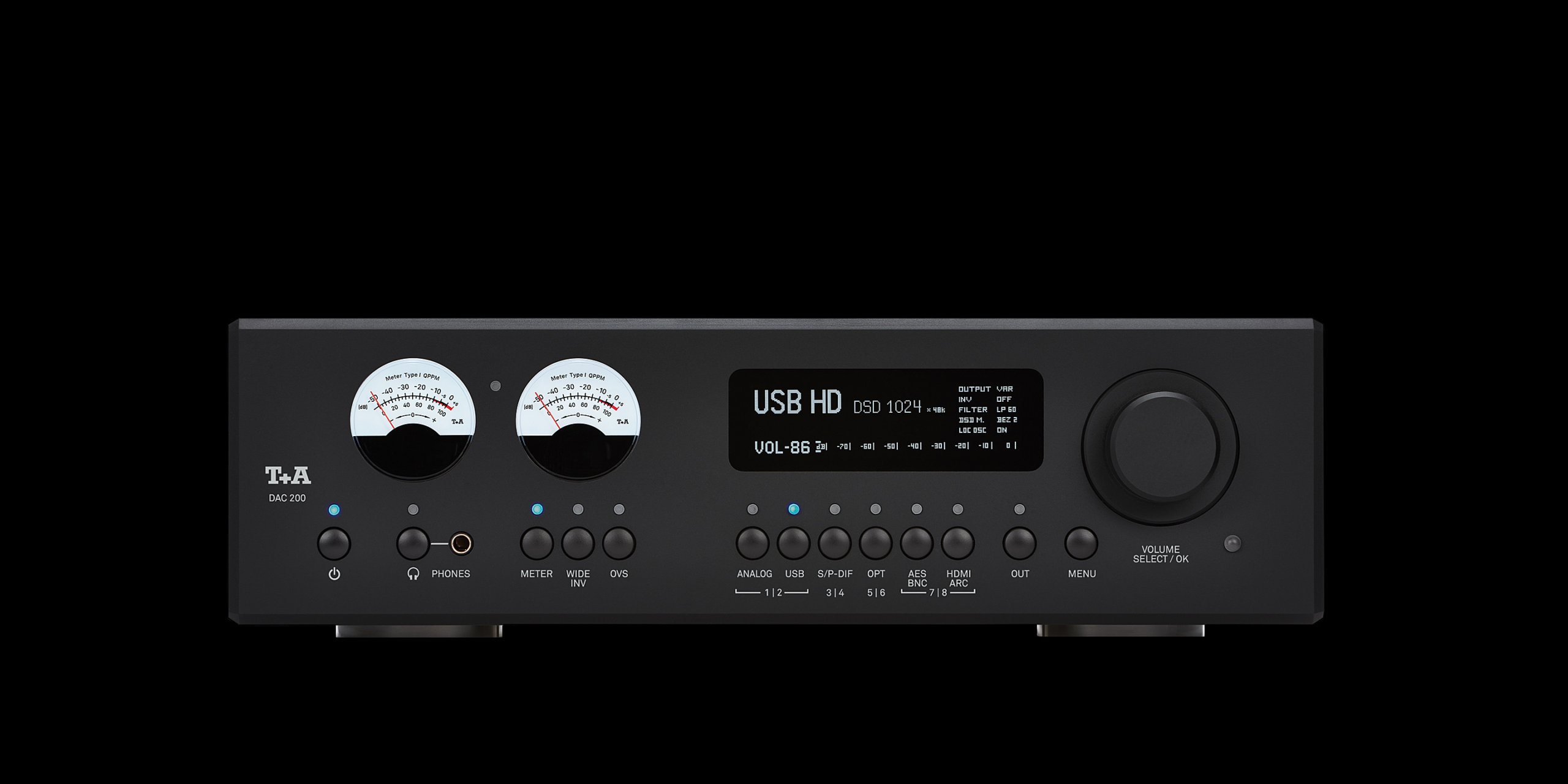
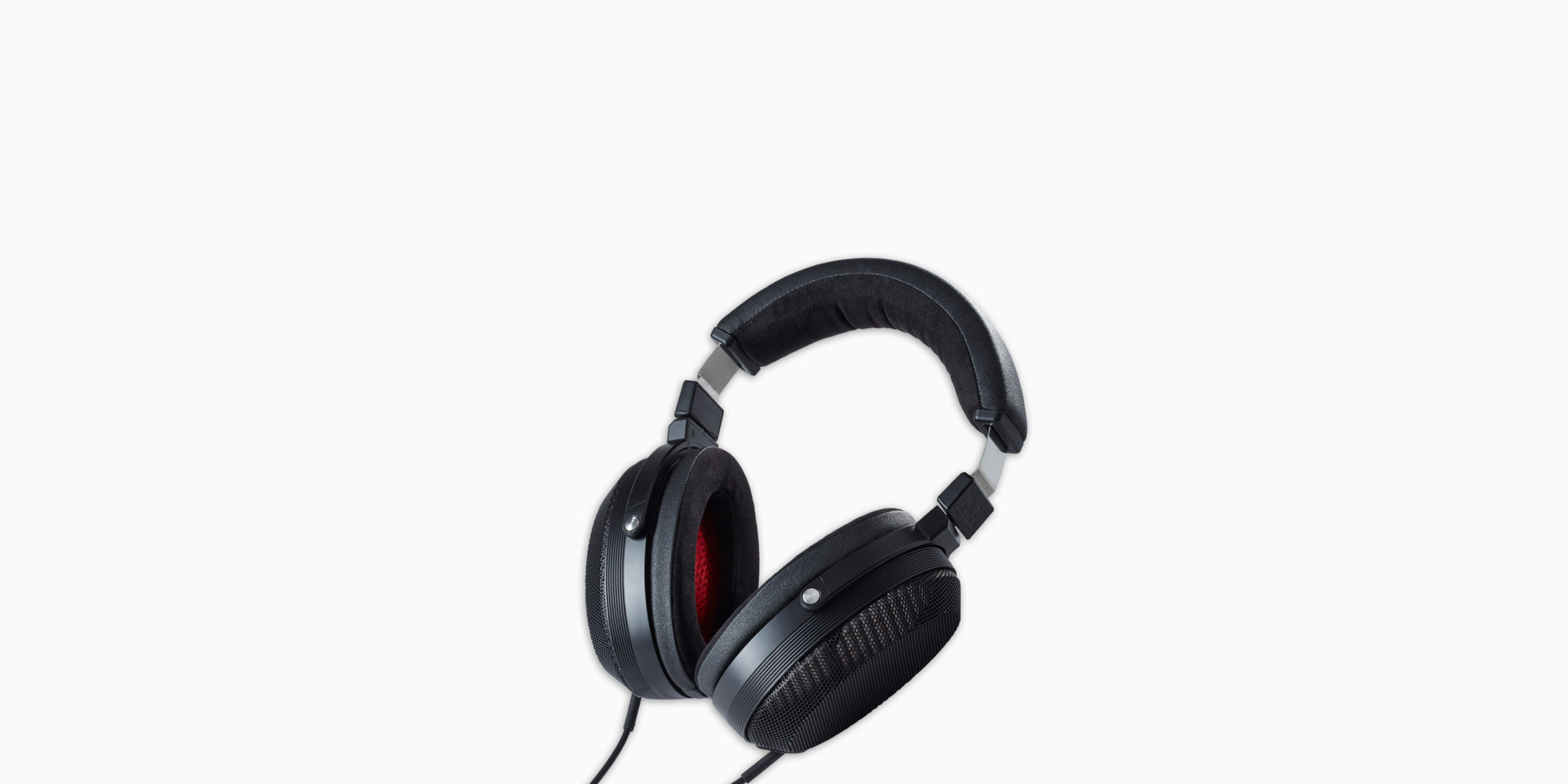
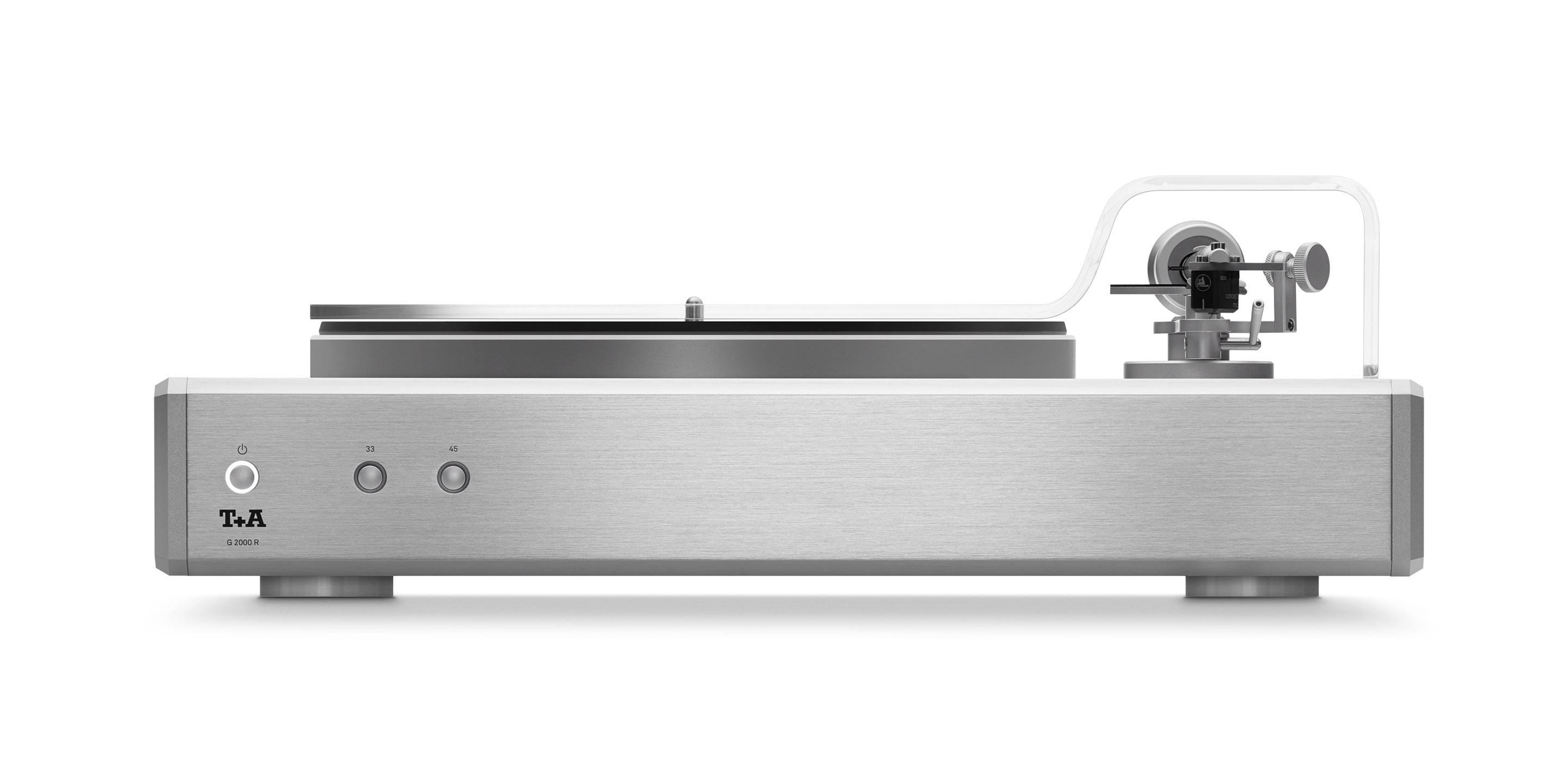
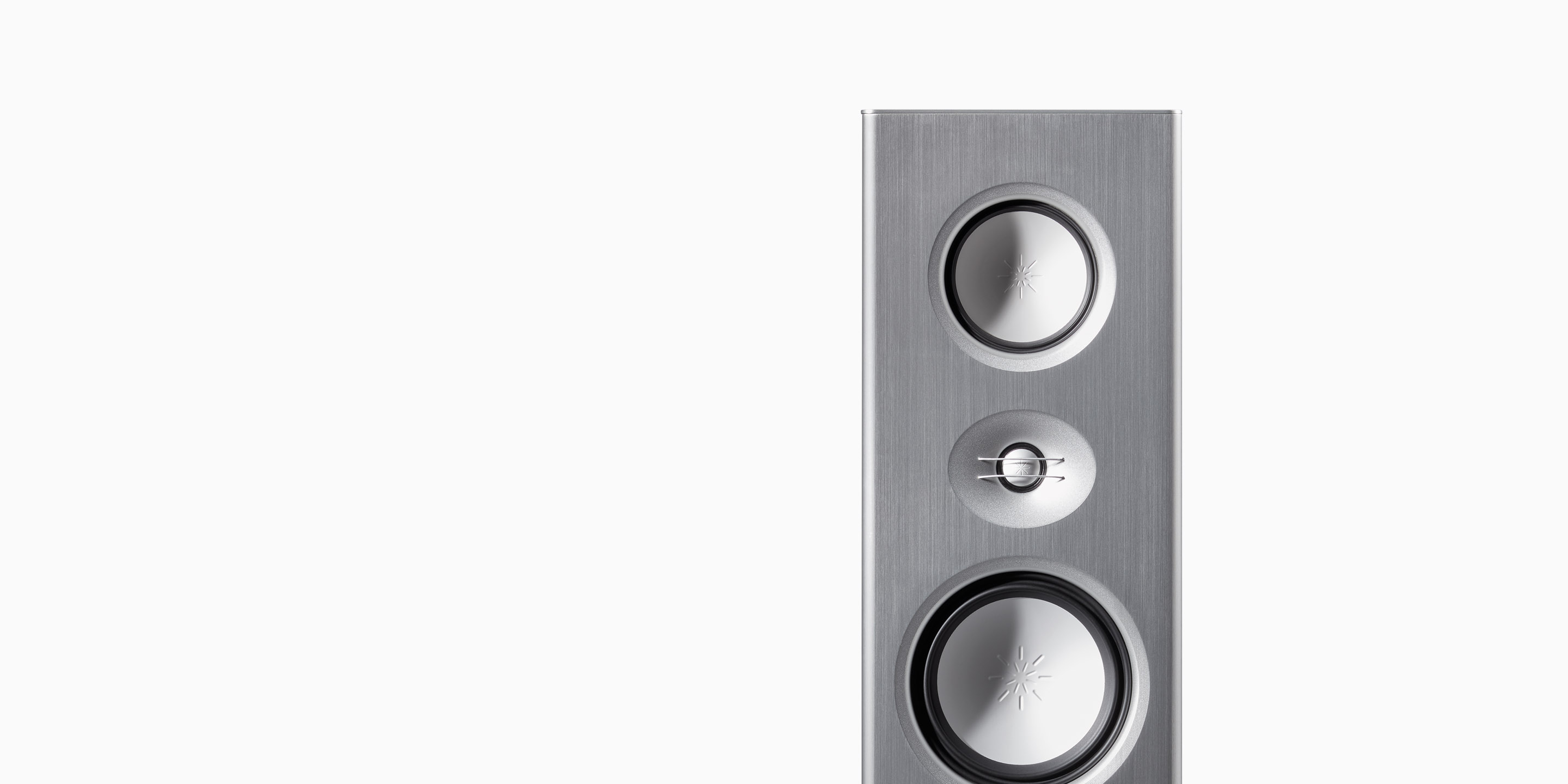
T+A entwickelt und produziert alles, was audiophile Musikliebhaber begeistert. Unser Programm ist sehr umfangreich und besteht aus mehreren Geräteserien für verschiedenste Anforderungen und Ansprüche. Es umfasst höchstwertige Verstärker, Music Player und Einzelbausteine der absoluten Spitzenklasse für den High End-Kunden. Kompakte HiFi-Anlagen mit überragenden akustischen Eigenschaften für den audiophilen Musikliebhaber und ausgezeichnet klingende All-In-One-Lösungen für den anspruchsvollen Design-Freund.